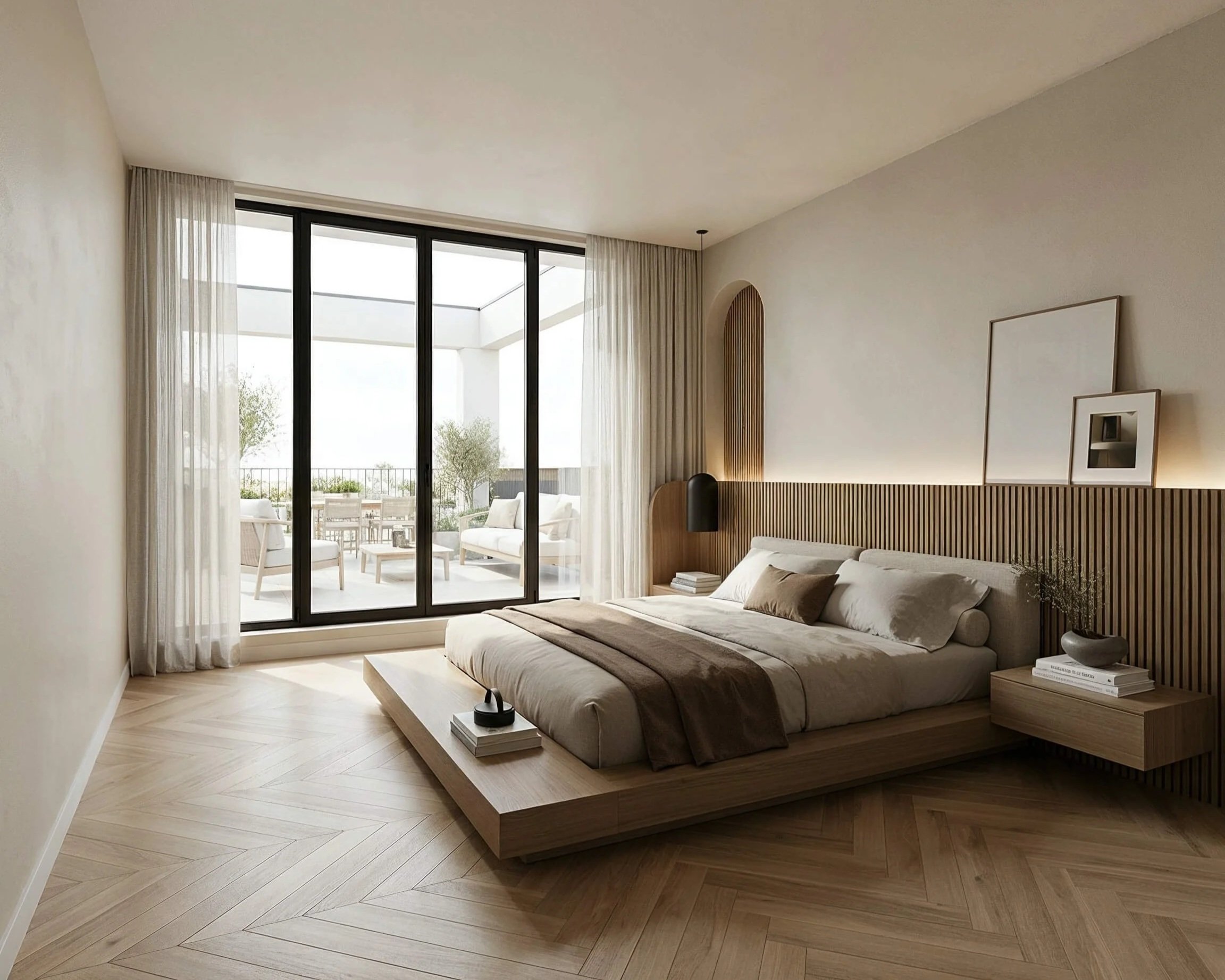
AI: Just a fad, or not?
3 Lessons from 3 Years of AI Training for Interior Design Professionals
Is AI just a fad? Or should interior designers really be embracing it now?
Over the past three years, I’ve provided AI training to interior design professionals in a variety of formats: in-person, online, on-demand, and customized—whether as a one-day session or a multi-session program.
These are my three most important—and sometimes sobering—insights. For anyone who’s unsure whether or not to jump on the AI bandwagon.
Insight 1: AI visualizations aren't for every studio
For a studio that participated in one of my training programs, the conclusion was already clear from the analysis: on second thought, we don’t want to work with AI visualizations after all.
The reason? This studio had its own team that created 3D visualizations in SketchUp and renders in D5. AI renders didn’t add much value for them. They benefited much more from streamlining their workflows, for example, using Claude’s features (Projects, Customize, and Skills).
Ouch, you might think. But it was a valuable lesson for both sides. For them, AI visualizations don’t add much value at this point. And I learned that I need to explain even more clearly up front what AI can and cannot offer.
Studios that want to visualize their own designs without relying on a rendering team or heavy software were, in fact, wildly enthusiastic.
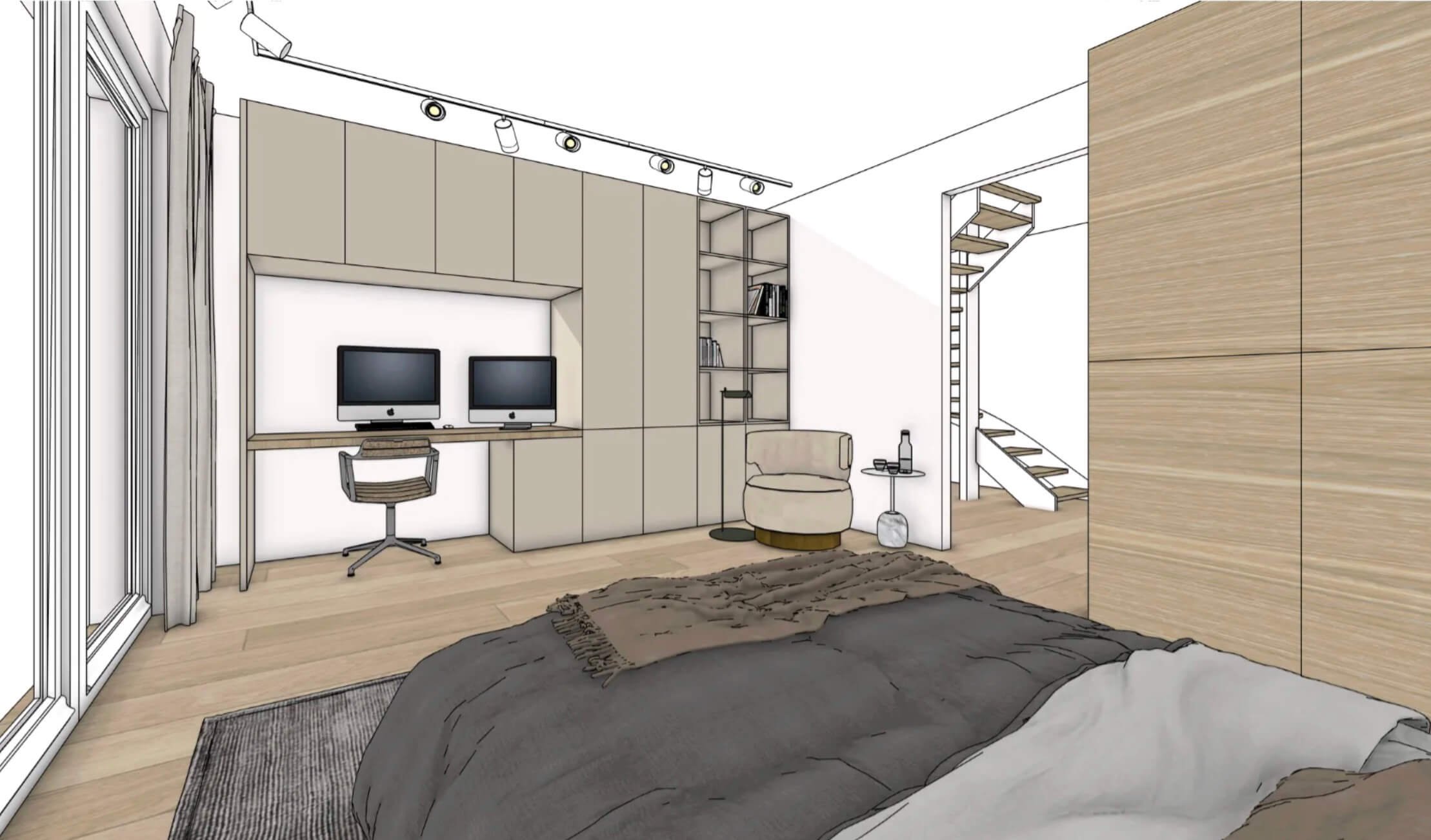
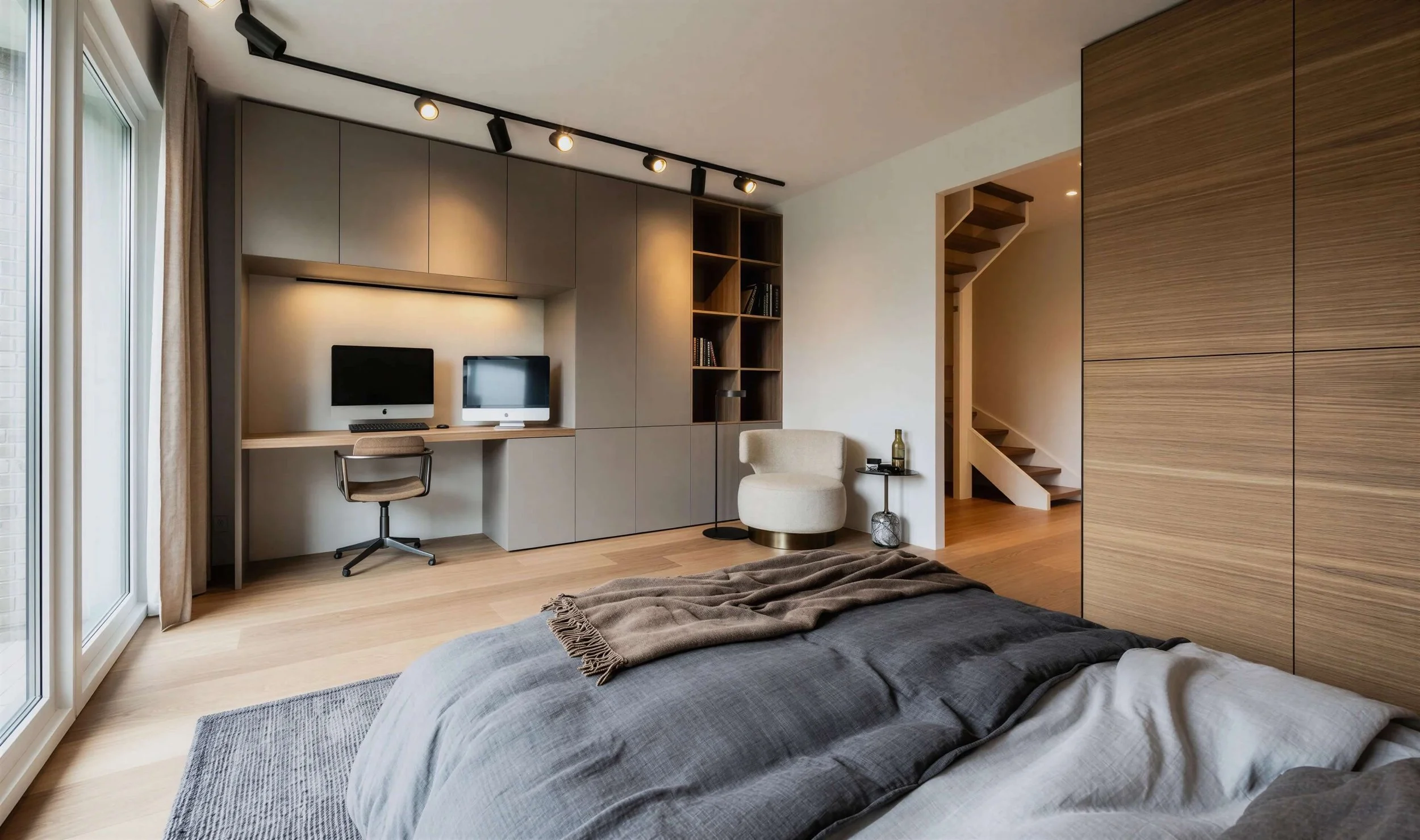
Finally, create photorealistic images on your own—for social media, your website, and the design process. Render buildings that are still under construction or don’t even exist yet. Create photorealistic renders of your SketchUp designs without using heavy software. And make adjustments to those renders in seconds during a client presentation.
“Thetraining was clear, engaging, and easy to follow, but above all, it was very practical and immediately applicable. Afterward, everyone was enthusiastic and motivated to continue working with it.”
For them, AI isn't just a fad—it's a trend they don't want to be left behind on. It opens doors to serving customers in new ways.
The difference between those studios wasn't in the tool. It was in how they work.
So is AI just a fad? That depends entirely on your workflow.
Insight 2: AI Is Not a Quick Fix
AI isn't a quick fix that will cut your workload in half overnight. You're learning a new skill, and that takes practice. To understand the features and to learn how to write effective prompts.
Just like SketchUp: you can't learn it in just one course without practicing intensively on your own.
You also need to teach your AI tools to work in your style. Discover which prompts and reference images work best for your studio and projects, and keep them handy. That way, you can build on them for every subsequent project.
Are you unable or unwilling to invest that time right now because you're too busy? If so, feel free to leave AI alone for now.
But if you do take that time, a whole new world will open up for you. Because you may have great ideas, but if your client can’t see them early in the process, you’re more likely to lose them. Being able to visualize quickly means you can get your client on board sooner and bring your ideas to life faster.
Insight 3: Craftsmanship Remains the Guiding Principle
AI can be a great help to you, but it remains your assistant. It should never take over your creative process.
Think of AI as a team member who’s there for you day and night—someone who turns your ideas into stunning visuals, helps spark your inspiration, and lightens your workload. But keep in mind that this is a team member you’ll need to train first, and one that you’ll be in charge of directing.
AI actually increases the value of craftsmanship.
That's how I see it. I'm the designer. Clients come to me because of who I am, how I work, and what I create. I listen to their wishes and think about designs and solutions.
But as soon as ideas start to come to me, or when I’m looking for inspiration, I use AI to come up with strong concepts much more quickly. And I can show my clients photorealistic images early in the design process. This helps them visualize their new interior much sooner.

Because if you can visualize something clearly, you'll be better able to create it.
Want to get started with AI yourself?
Do these sobering insights actually make you even more excited? Then come to one of my live AI Masterclasses.
In just one afternoon, you’ll dive into the world of AI visualizations using only two platforms: Midjourney and Magnific (the go-to AI platform with a wide range of AI tools, such as Nano Banana Pro). After that, I’ll show you how to speed up your workflow using Claude and Canva. I’ll also briefly cover the latest developments in SketchUp and AI.
After this afternoon, you will be able to:
create photorealistic images of your client's space;
quickly adjust renders, even during a meeting with a client;
present your design using moving images;
Speed up recurring tasks such as social media posts, emails, quotes, and presentations.
We work in small groups of up to 10 people. During each section, you'll practice on your own right away, so I can help you immediately if you get stuck.
October 27 · Amsterdam
October 29 · Rotterdam
November 4 · Utrecht
The masterclass runs from 1:00 p.m. to 5:00 p.m. and costs €297, excluding VAT.
BONUSES:
As a bonus, you’ll receive my Dutch-language AI Prompt Guide and a Prompt Template .
If you book before October 20,
you’ll also receive my online AI Workflow Course as a gift (valued at €297).
The course covers all the tools from the masterclass in detail, so you can continue practicing at your own pace for another 12 months.
And during the masterclass, all participants will receive a personal discount code for my online Midjourney Mastery course.
I look forward to seeing you at one of the locations listed above!
Would you prefer a customized training session for your entire studio? Please contact me at marielle@mariellevanessen.com.
Best regards,
Marielle van Essen
Interior Designer & AI Trainer